> For the complete documentation index, see [llms.txt](https://docs.origami.tech/llms.txt). Markdown versions of documentation pages are available by appending `.md` to page URLs; this page is available as [Markdown](https://docs.origami.tech/user-guide/set-up-your-profile.md).
# Set Up Your Profile
You can be up and using Origami Tech in just a couple of minutes. Here’s what you need to do:
{% stepper %}
{% step %}
### **Go to Origami Tech**
Open your browser and navigate to
{% endstep %}
{% step %}
### **Start the login process**
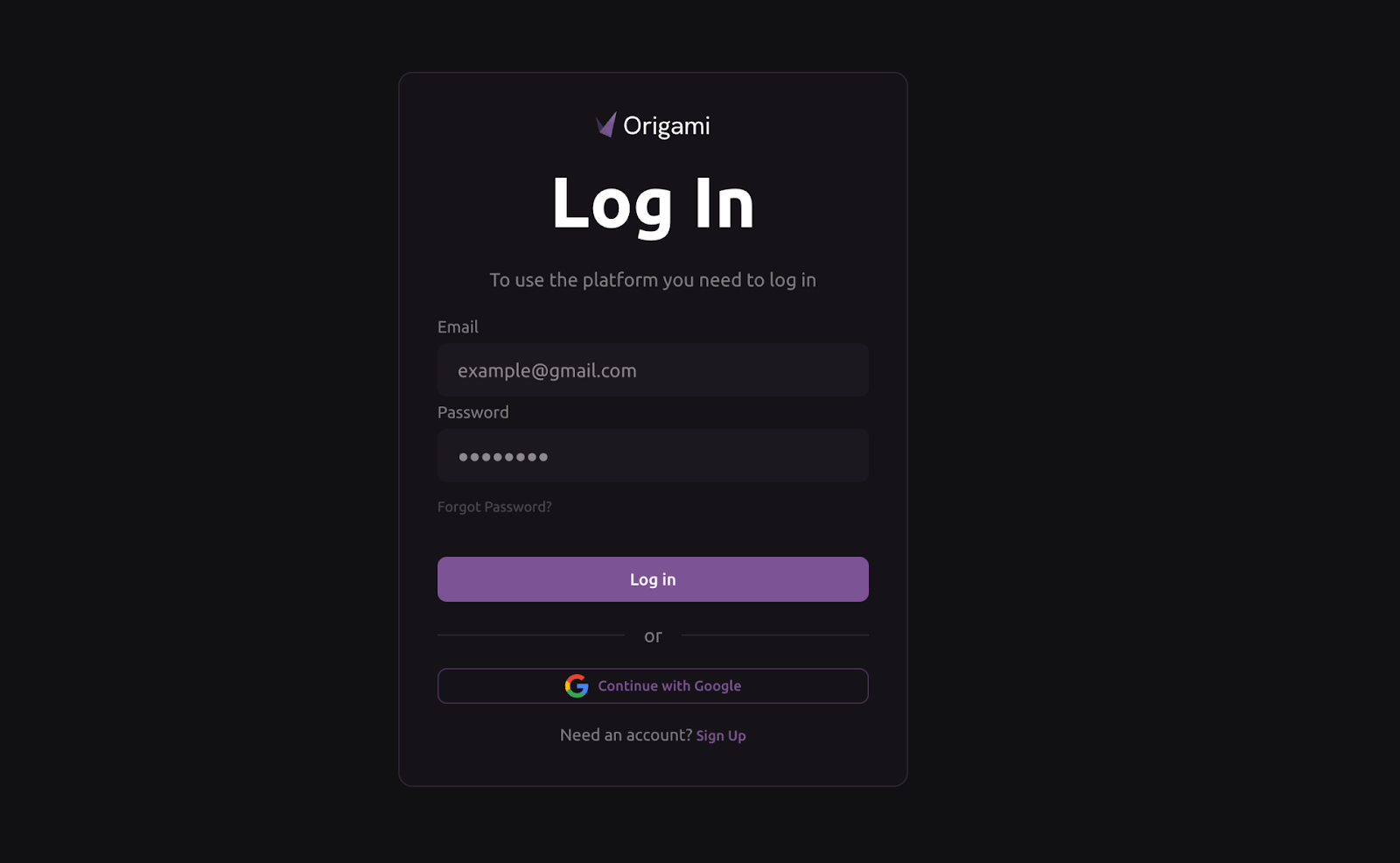
Click Start Trading in the middle of the Origami Tech page. You’ll be taken to the login screen.
{% endstep %}
{% step %}
### **Create your profile**
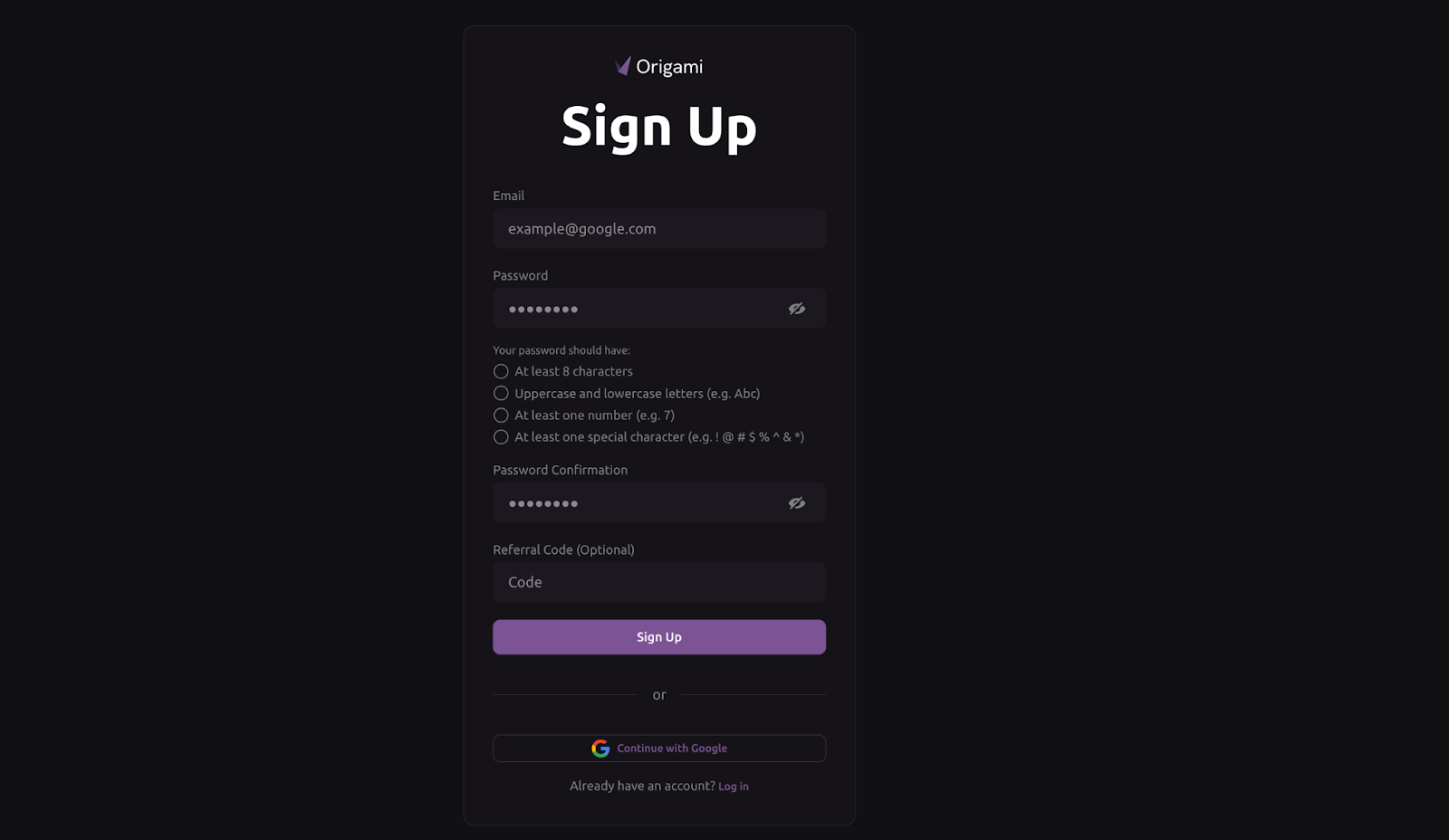
* Select Sign Up to create a new account.
* Enter your email address and password, confirm your password, and enter your referral code (if applicable).
* Click Sign Up.
{% hint style="info" %}
You can also sign up instantly using your Gmail account.
{% endhint %}
{% endstep %}
{% step %}
### **Verify your account**
* Type in the verification code sent to your inbox.
* Click Log In.
{% endstep %}
{% endstepper %}
Once you’re in, you’ll arrive at the Origami Tech platform, which is your main workspace for managing bots, tracking accounts, and monitoring your performance.
Before you start live crypto trading, you’ll need to create your first project. We’ll walk you through that step next.